- 01Bottom line: be ready to act even on the assumption that your phone won’t work
- 02Preparation 1: Protect your battery
- 03Preparation 2: Know the emergency numbers
- 04Preparation 3: Decide how to confirm each other’s safety
- 05Preparation 4: Have things that work offline
- 06Preparation 5: Don’t rely on just one line
- 07Efforts to deliver signal from the sky
- 08Summary
Typhoons, earthquakes, power outages.
If your phone stopped working then, what would you do?
Most people probably think, “It always works, so I’ve never thought about it.”
This article sums up what you can prepare in advance as general ideas. For specific procedures and service conditions, check each company’s official notices.
Bottom line: be ready to act even on the assumption that your phone won’t work
In a disaster, these things can happen.
- Cell towers stop because of power outages or equipment damage, and you lose signal
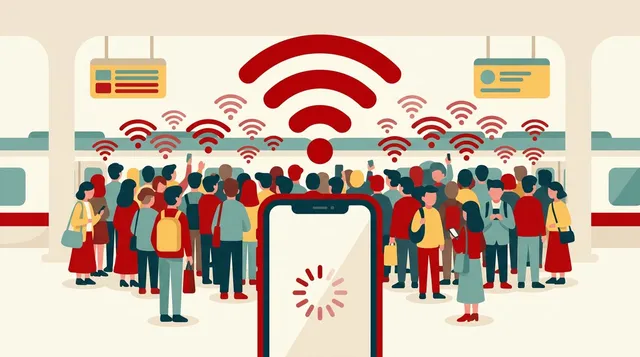
- Heavy use causes congestion, so connections become harder
- Your phone’s battery runs out
So aim for preparation that doesn’t assume you’ll connect, but is fine even if you can’t.
In fact, Rakuten Mobile’s official notices also listed, as “[Restored],” a situation in which communication services could not be used or were hard to use because of a typhoon (September 2026). It can happen regardless of the carrier.
Preparation 1: Protect your battery
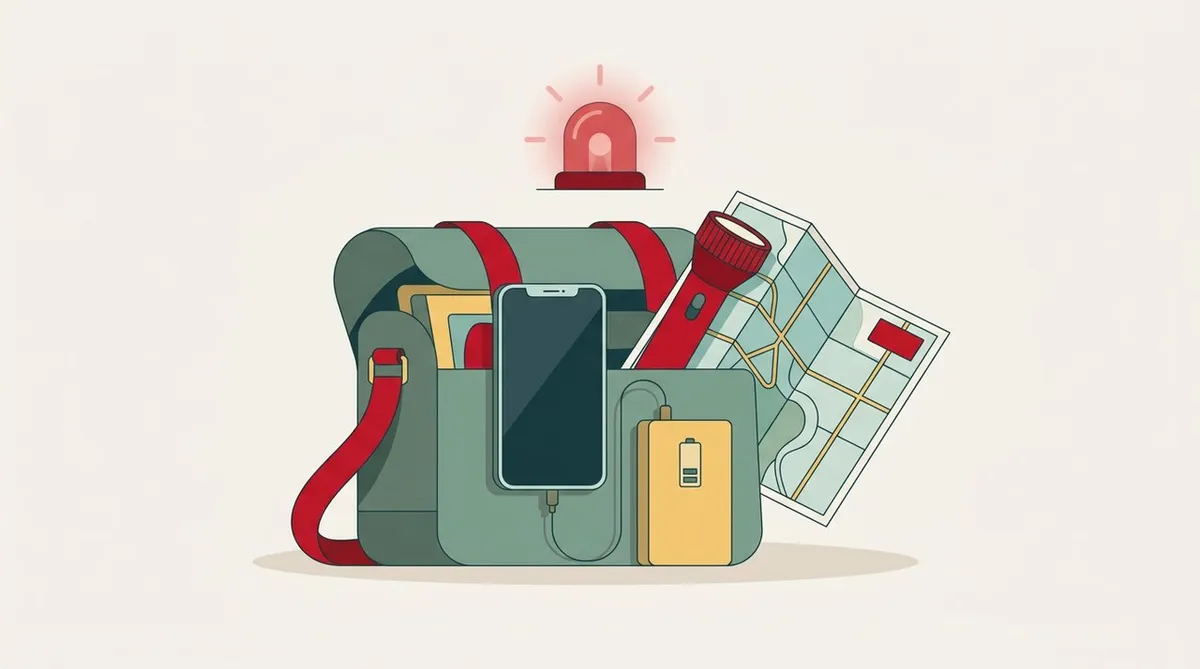
- Keep a power bank charged and carry it with you every day
- Use low power mode. Turn down screen brightness and close apps you aren’t using
- Think about alternatives for charging (car USB, power at work or an evacuation shelter, etc.)
For what makes batteries drain, see also the article on why the battery drains.
Preparation 2: Know the emergency numbers
- 110: police
- 119: fire and ambulance
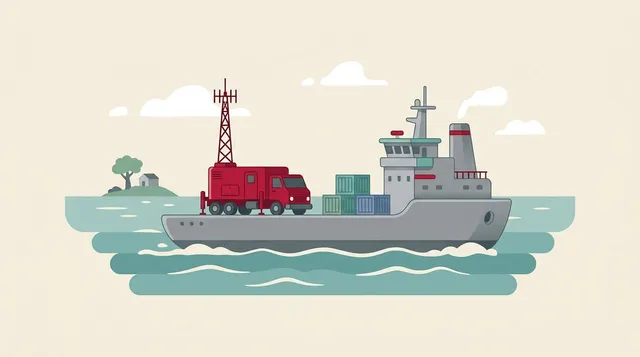
- 118: accidents at sea (Japan Coast Guard). Rakuten Mobile’s official area page also says, “For emergency calls in coastal sea areas, dial 118 from a mobile phone”
If you’re a foreign resident, it’s reassuring to share these numbers with family and coworkers.
Preparation 3: Decide how to confirm each other’s safety
There are several methods for when phone lines are hard to connect.
- Disaster Message Dial (171): a system for recording and playing back safety messages by voice. The days when you can try it out are set, so check the official guidance and try it once to be safe
- Each carrier’s disaster message board (provided by mobile carriers)
- Messaging apps such as LINE: usable if you have Wi-Fi or a connection that works
The most effective thing is to decide as a family, “In a disaster, we’ll contact each other with this app.”
Preparation 4: Have things that work offline
- Download an offline map in your map app for around your home and workplace
- Check in advance where the evacuation shelters are and the way to get there
- Write down important contacts on paper too
How location works is touched on in the article on how your phone knows its location.
Preparation 5: Don’t rely on just one line
This is my own view.
- Having a second line (an eSIM, for example) works as insurance when one line is unavailable
- Know where Wi-Fi is available in your daily life
Which line is strong where depends on the area and the building. How to isolate the problem when the signal is weak is covered in this article on weak signal troubleshooting.
Efforts to deliver signal from the sky
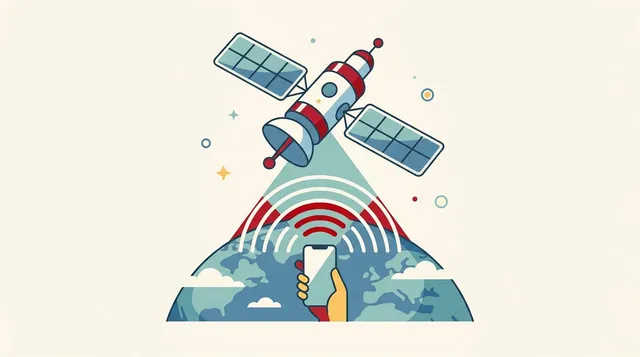
Efforts to support communication during disasters are also advancing. It was reported that SoftBank succeeded in a demonstration of creating a coverage area on the ground from an unmanned aircraft at 3,000 m altitude. See the article on SoftBank’s drone base station for disasters for details.
However, the reports don’t say when it will be put to practical use. It’s not something to rely on right now, so advance preparation is still needed.
Summary
- In a disaster, no signal, poor connections and a dead battery can happen. Prepare on the assumption that your phone won’t work
- Preparations: battery, emergency numbers (110, 119, 118), ways to confirm safety (171 and others), offline maps, and not relying on one line
- Deciding on contact methods with family and coworkers in advance is the most effective thing
- Check specific service conditions and procedures in each company’s official notices
Best if you never have to use any of it. But when the time comes, you won’t have to panic.
This article contains affiliate advertising. If you apply for a product or service through links on this site, we may receive compensation from partner companies. Additionally, the operator is an employee of Rakuten Group and may receive compensation through an employee referral program. Article content and evaluations are based on the operator's actual experience and research, regardless of advertising. For details, see the Disclaimer & Affiliate Disclosure. Disclaimer & Affiliate Disclosure
This article contains machine translation. For official terms, please refer to the multilingual pages on the official Rakuten Mobile website.
If you have concerns about Rakuten Mobile's coverage area or signal conditions, you can inquire through the official signal improvement survey request form .