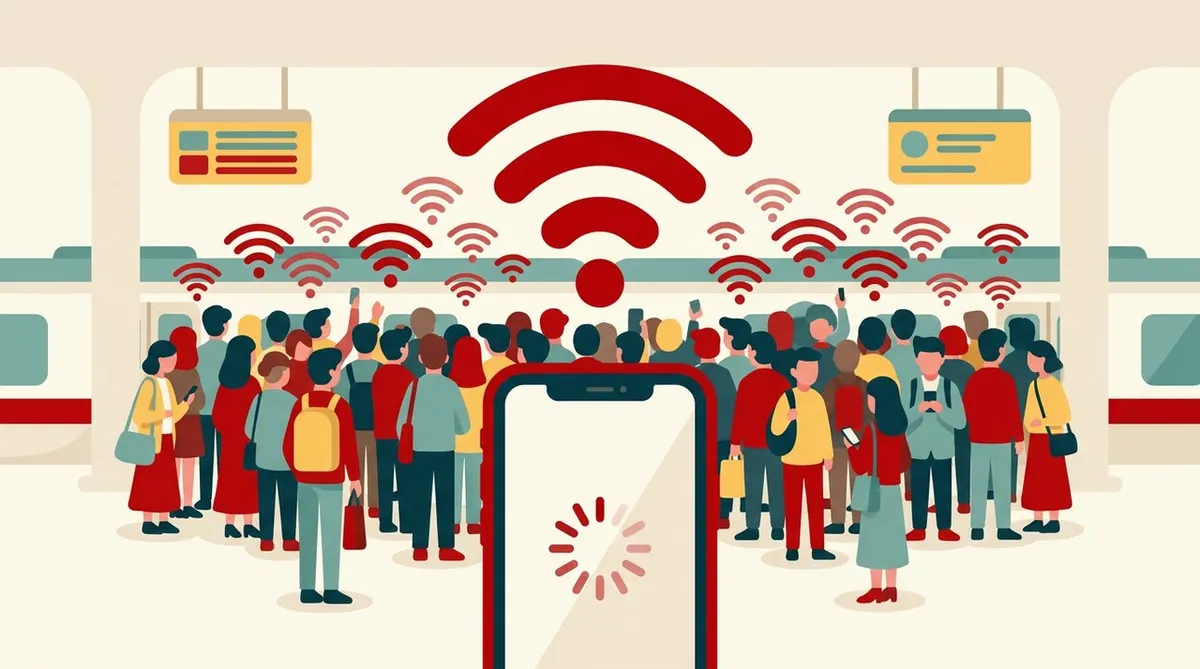
On a station platform, you try to open the news.
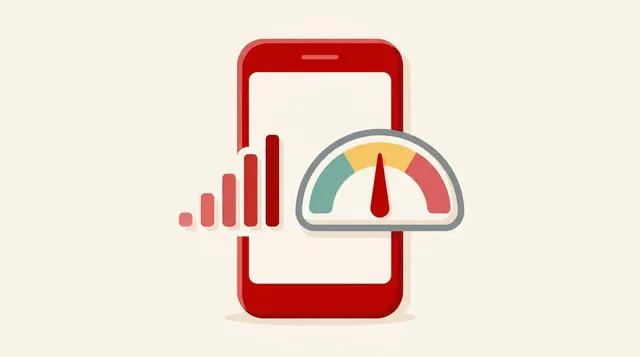
The bars are showing properly. Yet it just spins, and the page won’t open.
It isn’t that “the signal is bad,” so why?
In fact, “signal strength” and “ease of connecting” are separate matters.
This article is an explanation of general mechanisms. It does not describe the conditions of a specific railway line or a specific company.
Bottom line
The causes of slow or dropped connections at stations and on trains are mainly these three.
- Crowding: People gather in the same place and the base station’s capacity runs short
- Movement: At train speeds, handovers between base stations happen frequently
- Environment: Underground, tunnels and metal car bodies weaken or reflect radio waves
The number of bars is only a guide to “signal strength.” When it’s crowded, things get slow even if the signal is strong.
Cause 1: Crowding, just like roads
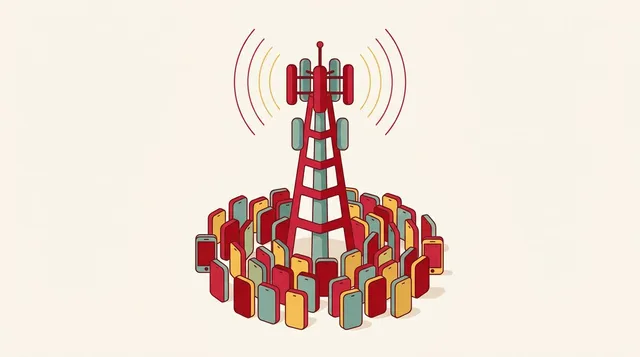
There is a limit to how much communication a base station can handle at one time.
As an analogy, think of a road.
- Signal strength = not the road’s “width,” but “how close you are to the road”
- Base station capacity = the road’s “width”
- Number of people using it at the same time = the “number of cars” on the road
Station platforms and morning and evening train cars are situations where many people in a small space use their phones at the same time. The same thing happens as a traffic jam on a road.
Slowness caused by base station congestion is covered in detail in the article on why congestion makes things slow.
Cause 2: Movement, “transfers” between base stations
Inside a moving train, the phone is switching the base station it connects to, one after another.
This is called a handover.
- The faster you move, the more often switching happens
- At the instant of switching, communication may be interrupted or slow down
- At the borders between base stations, radio waves tend to become unstable
Usually it switches so quickly and smoothly that you don’t notice. But when crowding or signal borders overlap, it is easier to feel subjectively that “it dropped.”
The basics of base stations and radio waves are in this article.
Cause 3: Environment, underground, tunnels and car bodies
- Subways and tunnels: Radio waves from above-ground base stations have difficulty reaching. In passageways and stations, dedicated equipment may be used to fill the gap
- Train car bodies: Because they are enclosed in metal, radio waves have difficulty getting in. Near the windows, it may connect more easily
- Places with many tall buildings: Radio waves reflect, arrive late, and become unstable
The story of radio waves being blocked by a metal box, and its mechanism, is also covered in the VIVANT article.
What you can do on the spot
Try these in order.
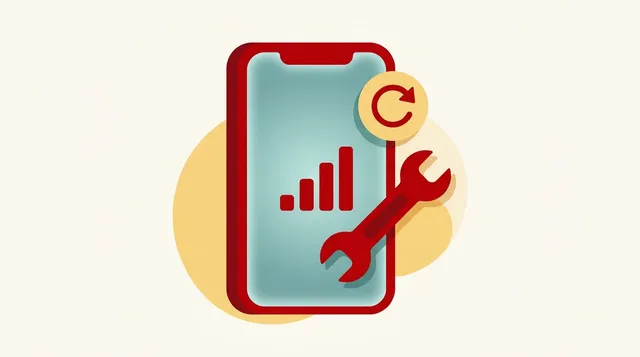
- Turn airplane mode on, then off, once: Reconnect and search again for the base station that suits your current location
- Turn off Wi-Fi auto-connect: You may be connected to a crowded or weak Wi-Fi at a station or in a train. When it is connected but can’t communicate, simply turning Wi-Fi off can fix it
- Move a little: To the end of the platform, near a window, near a door, and so on
- Avoid heavy communication: Leave videos and app updates until after the crowding passes
- Restart
If it still happens in the same place and at the same time every day, keeping a record and contacting support is effective. Writing down when, where, and what symptoms makes it easier for them to investigate. The contact points are summarized in the article on support contacts.
The detailed steps for narrowing down the cause are in What to do when the signal is weak.
My view
I think that slowness at stations and on trains is determined, to a large extent, less by the “quality” of the line than by how crowded it is at that time and place. (This is my view, reasoned from general mechanisms.)
With any company, crowded places get crowded. So when you’re dissatisfied, what matters is to grasp for yourself
- When and where it happens
- Whether it happens every time in the same place
The response differs depending on the cause.
Summary
- The number of bars is a guide to “signal strength.” If it’s crowded, it’s slow even when the signal is strong
- The causes are crowding, movement (base station switching), and environment (underground, tunnels, car bodies)
- On the spot: airplane mode on then off, turn off Wi-Fi auto-connect, change your position
- If it happens in the same place every time, keep a record and contact support
Before deciding the signal is bad, remember the possibility that “it’s just crowded right now.”
This article contains affiliate advertising. If you apply for a product or service through links on this site, we may receive compensation from partner companies. Additionally, the operator is an employee of Rakuten Group and may receive compensation through an employee referral program. Article content and evaluations are based on the operator's actual experience and research, regardless of advertising. For details, see the Disclaimer & Affiliate Disclosure. Disclaimer & Affiliate Disclosure
This article contains machine translation. For official terms, please refer to the multilingual pages on the official Rakuten Mobile website.
If you have concerns about Rakuten Mobile's coverage area or signal conditions, you can inquire through the official signal improvement survey request form .