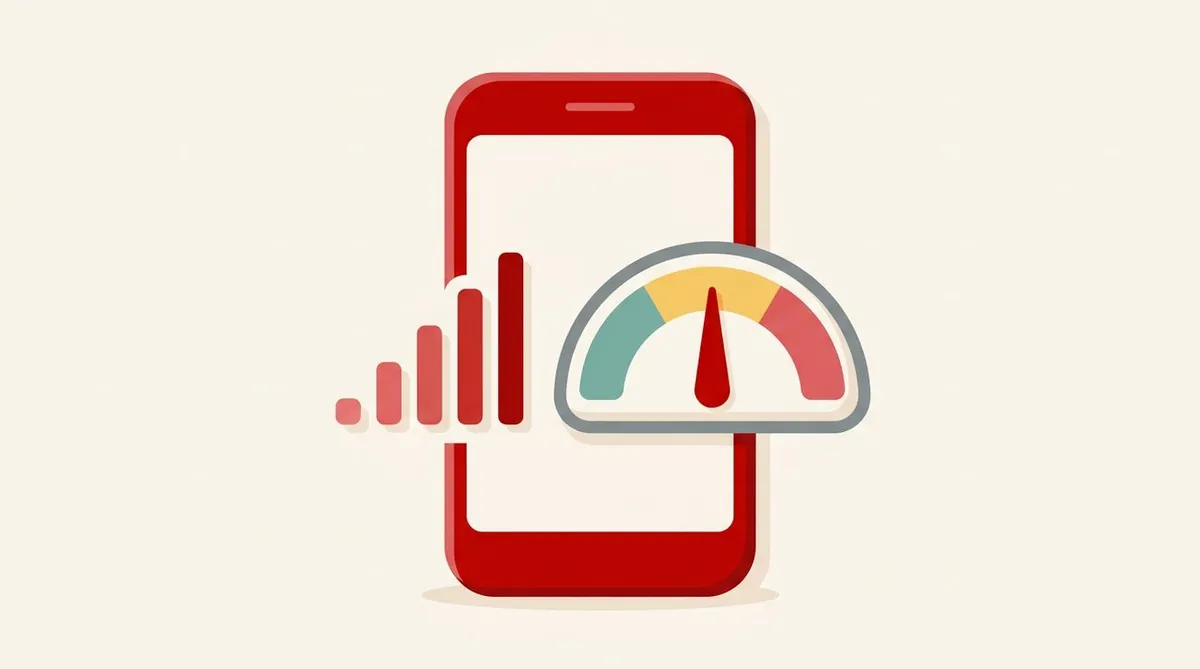
The signal icon at the top right of your phone screen.
With 4 bars you feel at ease, and with 1 bar you feel uneasy.
But what is the number of bars based on?
In fact, the number of bars is decided differently by each device and OS. Even with the same radio waves, device A may show 3 bars and device B 4 bars.
So here I’ll sort out how to look at it in numbers.
Bottom line
- The number of bars is a rough guide, with criteria that differ by device
- Signal strength is expressed in dBm (decibel-milliwatts). It is a negative number, and the closer to 0, the stronger
- In 4G and 5G, RSRP is the representative indicator of signal strength
- Not only strength but also quality (RSRQ, SINR) affects how easily you connect
dBm is a “negative number”
Signal strength is expressed in a unit called dBm.
The point is that it is mostly a negative number.
- -70dBm: Very strong
- -100dBm: Weak
- -120dBm: Almost no service
The closer to 0, the stronger. This is easy to get wrong, so please remember it.
Another characteristic of dBm is that a difference of 10 means a 10-fold difference.
- Between -70dBm and -80dBm, the signal strength differs by 10 times
- Between -70dBm and -90dBm, it differs by 100 times
Even when the difference in numbers looks small, the actual strength differs greatly.
What is RSRP
The strength of 4G (LTE) and 5G radio waves is expressed by RSRP (Reference Signal Received Power).
It shows how strongly the phone is receiving the “reference signal” that the base station emits. The unit is dBm.
The commonly cited guideline is as follows.
| RSRP (dBm) | Rough state |
|---|---|
| Greater than -80 (e.g., -70) | Very good |
| -80 to -90 | Good |
| -90 to -100 | Fair |
| -100 to -110 | Weak |
| Less than -110 (e.g., -120) | Quite weak, close to no service |
This table is a commonly used guideline. It is not an officially standardized criterion, and the dividing numbers differ slightly from source to source. Also, depending on the frequency band (platinum band, millimeter wave, and so on) and how you use it, the same number can feel different.
Strength alone is not enough
Even when signal strength (RSRP) is good, it can be slow or drop out.
That’s where the indicators of radio wave “quality” come in.
| Indicator | What it shows |
|---|---|
| RSRQ | The “quality” of the received signal. Affected by congestion and interference |
| SINR | The ratio of signal to noise and interference. Larger is better |
As an analogy, think of the loudness of a speaking voice (RSRP) and how noisy the surroundings are (SINR).
- Even if the voice is loud, if the surroundings are noisy (low SINR), it’s hard to make out
- Even if the voice is quiet, in a quiet place (high SINR), it can be heard
At stations and in busy shopping districts, the signal is strong yet slow. Behind that there may be problems of quality or congestion. On congestion, see why congestion makes things slow; on stations and trains, see why connections are slow at stations and on trains.
Why the number of bars is “unreliable”
- The cutoffs for the number of bars are decided by each manufacturer and OS
- Even with the same radio waves, the number of bars changes by device
- Bars look at strength only, and often do not reflect quality or congestion
It doesn’t necessarily mean “I’m fine because I have 4 bars.”
How to see the numbers on your own phone
Many phones have a screen where you can see signal strength as numbers. However, where it is displayed differs by device and OS.
- On some devices, signal strength appears under “device information,” “SIM status,” and so on in settings
- If you can’t find it, check the device’s user manual or the manufacturer’s official support
This article does not cover the steps for specific devices. That’s because they differ by device.
Being able to see the numbers is useful in cases like these.
- Compare which spot is strongest in your home, room by room
- When you feel the signal is bad, tell support the numbers (such as “it was around -110dBm”)
- Check the change when you move to a window or another location
The contact points for inquiries are summarized in this article. The steps when the signal is weak are in What to do when the signal is weak.
Cautions when looking at the numbers
- Numbers change moment to moment. Don’t judge from a momentary value; look several times and grasp the trend
- Even in the same place, they change with the time of day and the number of people around
- If the numbers are good but it’s slow, suspect congestion or quality
Summary
- The number of bars is a rough guide, with criteria that differ by device
- Signal strength is expressed in dBm. Negative, and the closer to 0 the stronger. A difference of 10 means a 10-fold difference
- The strength indicator for 4G/5G is RSRP. Greater than -80 is good, and less than -110 is quite weak (a general guideline)
- The quality indicators are RSRQ and SINR. When it’s strong but slow, suspect these or congestion
- Look at the numbers as a trend, not a single moment
Next time you feel “the signal is bad,” look at the numbers, not just the bars.
This article contains affiliate advertising. If you apply for a product or service through links on this site, we may receive compensation from partner companies. Additionally, the operator is an employee of Rakuten Group and may receive compensation through an employee referral program. Article content and evaluations are based on the operator's actual experience and research, regardless of advertising. For details, see the Disclaimer & Affiliate Disclosure. Disclaimer & Affiliate Disclosure
This article contains machine translation. For official terms, please refer to the multilingual pages on the official Rakuten Mobile website.
If you have concerns about Rakuten Mobile's coverage area or signal conditions, you can inquire through the official signal improvement survey request form .