100% in the morning, and already half by noon.
“Is the battery getting old?” Right. You do.
But signal conditions and connection settings are, surprisingly, often the cause too.
This article is an explanation of general mechanisms. Names and operations differ by model.
Conclusion: before suspecting the battery itself, suspect how you use it and the signal
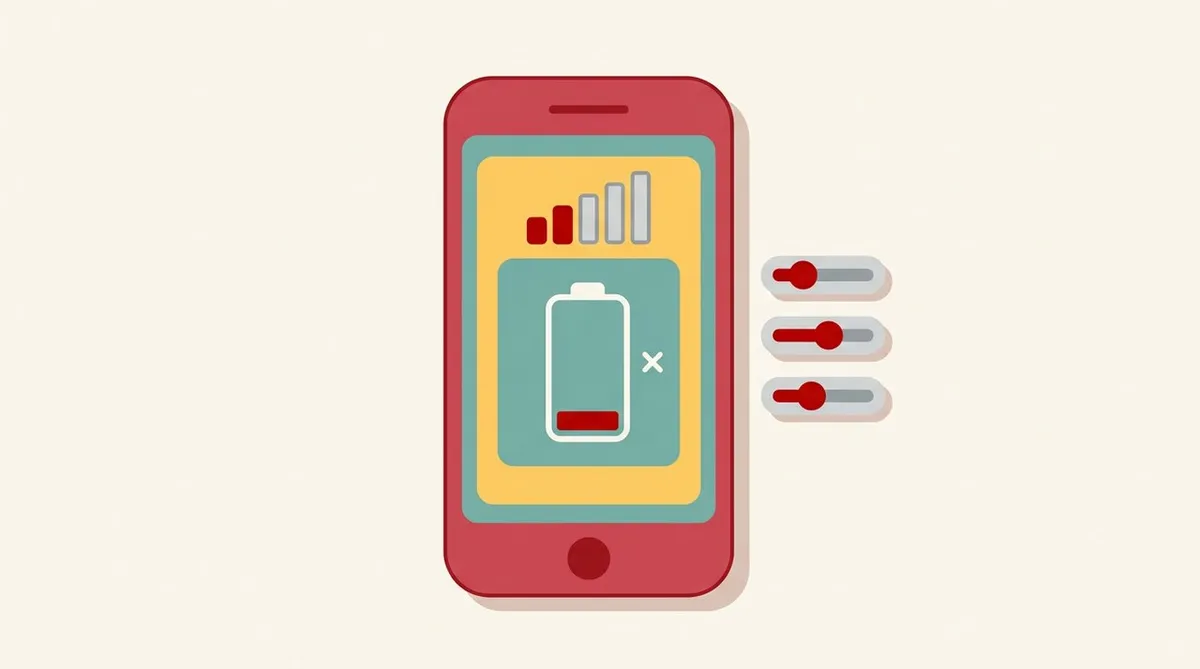
The cause is usually one of these four.
- You’re using it in a weak-signal place
- Connection settings are using battery
- How you use the screen and apps
- Battery wear
Replacing the battery or buying a new phone comes last.
1. Weak signal makes the battery drain faster
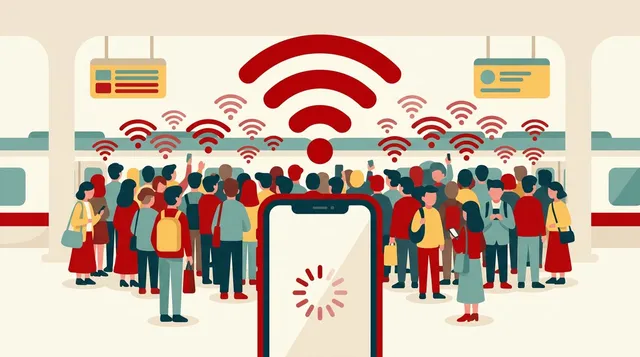
In general, in places with weak signal, a phone uses more power trying to catch the signal.
- Underground, or deep inside buildings
- Mountain areas, or the edge of a suburban coverage area
- Places at a signal boundary where it keeps connecting and dropping
Staying in such places for a long time can make the battery drain faster.
For weak-signal places, try isolating the cause using the steps in our article on what to do when the signal is poor.
2. Connection settings
5G settings
5G comes and goes depending on the place. If your phone keeps searching for 5G in a place where it’s hard to get, it can use battery. Some models have a setting to fix it to 4G (depends on the model). The difference between 5G and 4G is explained in another article of ours (5G vs 4G differences explained).
Background data
If apps you aren’t using communicate in the background, they use battery too. How to review this is the same as in our article on hidden causes of data usage.
Tethering
If you use your phone as a host and connect a PC or tablet, the battery drains faster. Our article on tethering basics for PCs and tablets may also help.
Wi-Fi, Bluetooth and location
Turning them off when not in use saves battery.
3. Screen and apps
- Screen brightness: the brighter it is, the more battery it uses
- Time the screen stays on: shorten the auto-lock time
- Video and games: they use a lot of battery
- Apps using a lot of battery: you can check which apps are using it on the battery screen in Settings
Finding the apps with high usage on the battery screen is the quickest way.
4. Battery wear
If the drain is still fast after reviewing all of the above, it may be battery wear.
- As you keep using it, the amount it can charge gradually decreases
- On an iPhone, some models let you check battery condition on the Settings screen (depends on the model)
- If you’ve used it for one to two years or more and the drain suddenly got faster, the likelihood of wear goes up
If it’s worn, consult the manufacturer or a repair shop about a battery replacement.
The order to try
- Check whether you’re in a weak-signal place
- On the battery screen, look at the apps with high usage
- Turn off Wi-Fi, Bluetooth and location when not in use
- Review screen brightness and auto-lock time
- Review your 5G setting and how you use tethering
- If it’s still fast, suspect battery wear
Summary
- When the battery drains fast, suspect weak signal, connection settings, screen and apps, then wear, in that order
- In weak-signal places, a phone searches for signal and uses more battery (general principle)
- First, check the apps with high usage on the battery screen
- If wear is suspected, consult the manufacturer or a repair shop
Before buying a new phone, just reviewing how you use it and your signal may improve things.
This article contains affiliate advertising. If you apply for a product or service through links on this site, we may receive compensation from partner companies. Additionally, the operator is an employee of Rakuten Group and may receive compensation through an employee referral program. Article content and evaluations are based on the operator's actual experience and research, regardless of advertising. For details, see the Disclaimer & Affiliate Disclosure. Disclaimer & Affiliate Disclosure
This article contains machine translation. For official terms, please refer to the multilingual pages on the official Rakuten Mobile website.
If you have concerns about Rakuten Mobile's coverage area or signal conditions, you can inquire through the official signal improvement survey request form .