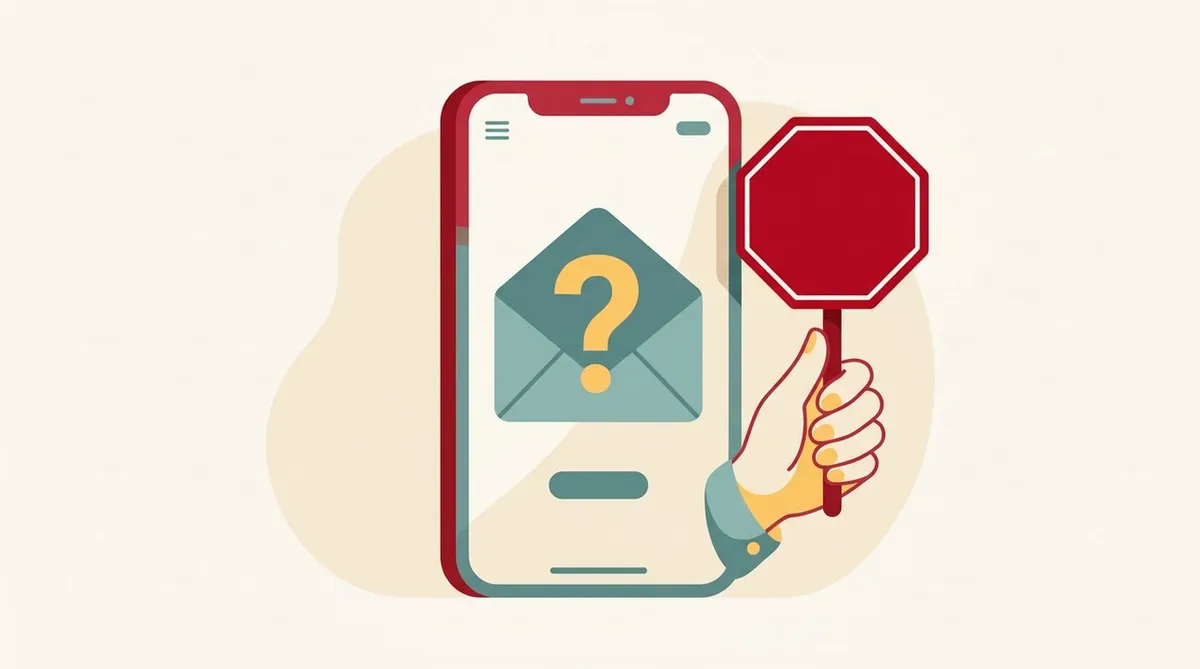
A Japanese SMS arrives on your phone. “This is Rakuten Mobile.” “We need to confirm your payment.” There is a link.
If you aren’t good at Japanese, it’s hard to tell whether it’s real or fake. Some people panic and tap it.
- Don’t tap the link. Check in the app, or on a page you saved yourself
- Never share your password, PIN, or verification code, whether by phone or SMS
- If you’re unsure, contact the official line yourself. By phone: 0800-600-6660 (open every day of the year, 9:00-17:00)
- If you’re rushed with “by today” or “right now,” be suspicious
What was announced on October 13
On October 13, 2026, Rakuten Mobile announced that payment certificates downloadable from “my Rakuten Mobile (my 楽天モバイル)” could have been viewed by third parties.
The information that could have been viewed includes name, address, phone number, data usage, charges, and other billing details. Financial information such as credit cards, and call history, are not included. No viewing or similar activity has been confirmed so far, according to the company. The system fix was completed on June 20.
The official notice warns people to be careful of suspicious contacts claiming to be from the company. Name, address, and phone number are also the kind of information that is easily used in suspicious contacts. We put the details together in the article on this incident.
5 steps to check if it’s real
From here on, this is a general approach, not an official procedure.
1. Stop before you tap the link
Even if an SMS or email has a link, don’t tap it. Open the “my Rakuten Mobile (my 楽天モバイル)” app on your phone, or open a page you saved yourself. If the same notice isn’t there, the message is suspicious.
2. Look at the sender
- Is the SMS sender an ordinary mobile number (090, 080, 070)?
- Even if the email sender’s name says “Rakuten,” is the part after the @ in the address different? A name can be changed freely
- Is the Japanese unnatural, or are the characters garbled?
3. Are you being rushed?
Threats like “within 24 hours” or “your account will be suspended” are often used in fake messages. Even for a real message, you have time to check calmly.
4. Are they asking for information?
Never share your password, credit card number, PIN, or the verification code you received by SMS, whether by phone, SMS, or email. How verification codes work is explained in the article on SMS verification.
5. Contact the official line yourself
Don’t use the phone number or link in the message. Contact the contact point listed in the official notice, yourself. A list of contact points is in the article on support contacts. If you’re not confident in Japanese, you can also write what you want to do in a translation app and show it.
If you can’t read Japanese
Scan the SMS screen with a translation app and check what it says. Don’t tap the link this time either. Showing the screen to a Japanese friend or a coworker and asking is also a good method.
If you don’t understand the content, don’t reply. Don’t tap the link. Don’t call the number. Just follow these three rules.
If you already tapped it or shared information
This is a general order of steps.
- Stop entering anything on that site
- Change the password you entered right away. If you use the same password for other services, change those too
- If you entered a credit card number, contact the card company
- If it concerns Rakuten Mobile, contact the official line
- If you think you’ve been a victim, consult the police consultation line (#9110). In an emergency, call 110
#9110 is generally announced as a dedicated phone line for police consultation. Check the latest information on your local police website.
Finally
If you can’t tell whether a message is real, don’t tap the link, and open the app. If you can’t confirm it that way, call the official line yourself.
You can also use an app that blocks nuisance calls and SMS. Whoscall, an option for Rakuten Mobile, is covered in this article. For preparing against reports of unauthorized access, see the weekly roundup article and the basics of public Wi-Fi safety.
This article is based on the official notice and general security thinking. Details may change.
Source: Rakuten Mobile “[Important] Possible third-party viewing of payment certificates” (October 13, 2026) https://network.mobile.rakuten.co.jp/information/news/other/3888/
This article contains affiliate advertising. If you apply for a product or service through links on this site, we may receive compensation from partner companies. Additionally, the operator is an employee of Rakuten Group and may receive compensation through an employee referral program. Article content and evaluations are based on the operator's actual experience and research, regardless of advertising. For details, see the Disclaimer & Affiliate Disclosure. Disclaimer & Affiliate Disclosure
This article contains machine translation. For official terms, please refer to the multilingual pages on the official Rakuten Mobile website.
If you have concerns about Rakuten Mobile's coverage area or signal conditions, you can inquire through the official signal improvement survey request form .